Fulfillment Rectification
Matrixify Export
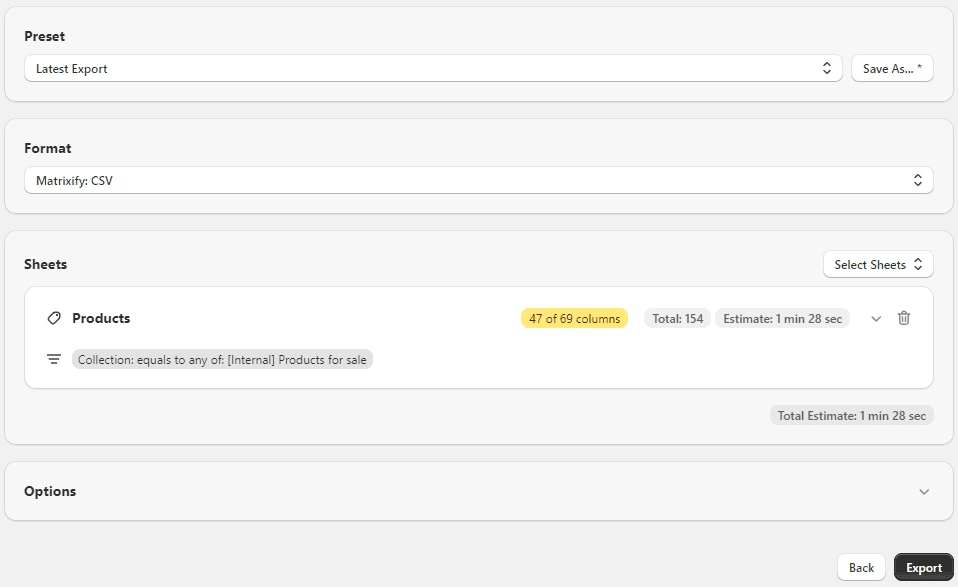
Matrixify is used both for exporting order data, and re-importing our prepared template. Navigate to the Matrixify Export Page (opens in a new tab) to initiate the export process.
Export Order Data
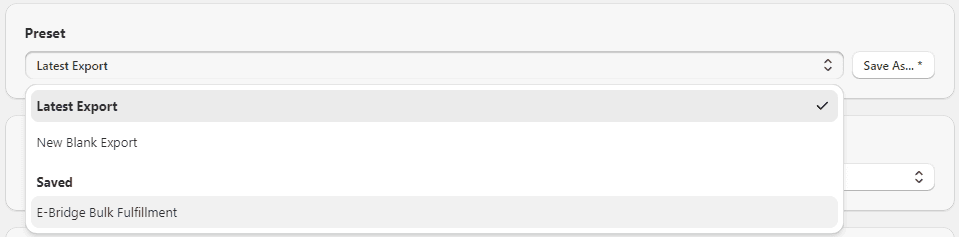
I've created an export template that includes all necessary fields. From the Preset dropdown at the top of the page, select E-Bridge Bulk Fulfillment.
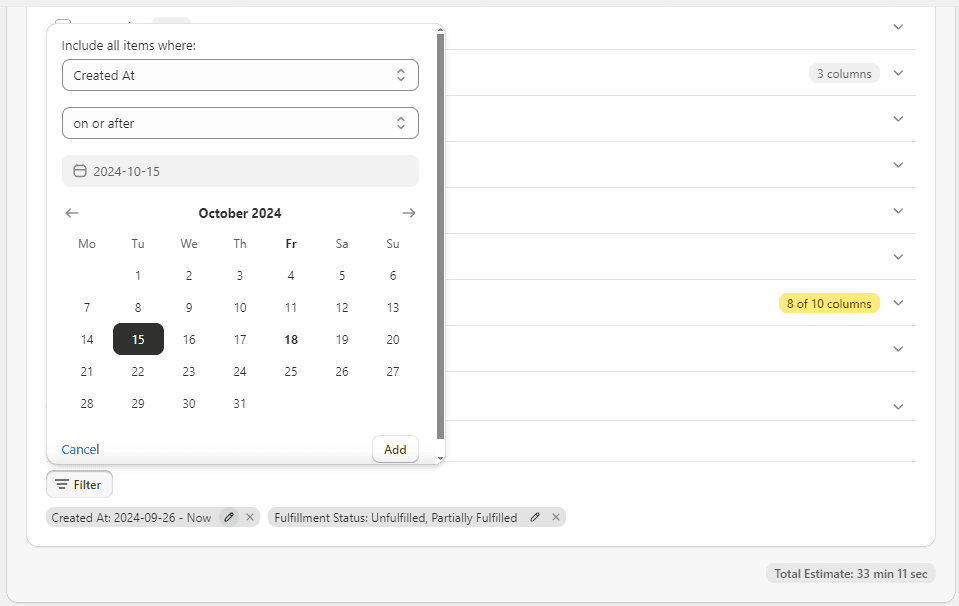
The only modification required before exporting the data is setting the correct date range. I include the previous 3 business days in all exports to ensure all data is captured.
Google Sheets
I've made a template for processing the import, found here Ryder Fulfillment Rectification Sheet (opens in a new tab).
Import Matrixify Data
Simply import the CSV data from the Matrixify export to the Matrixify tab in the spreadsheet.
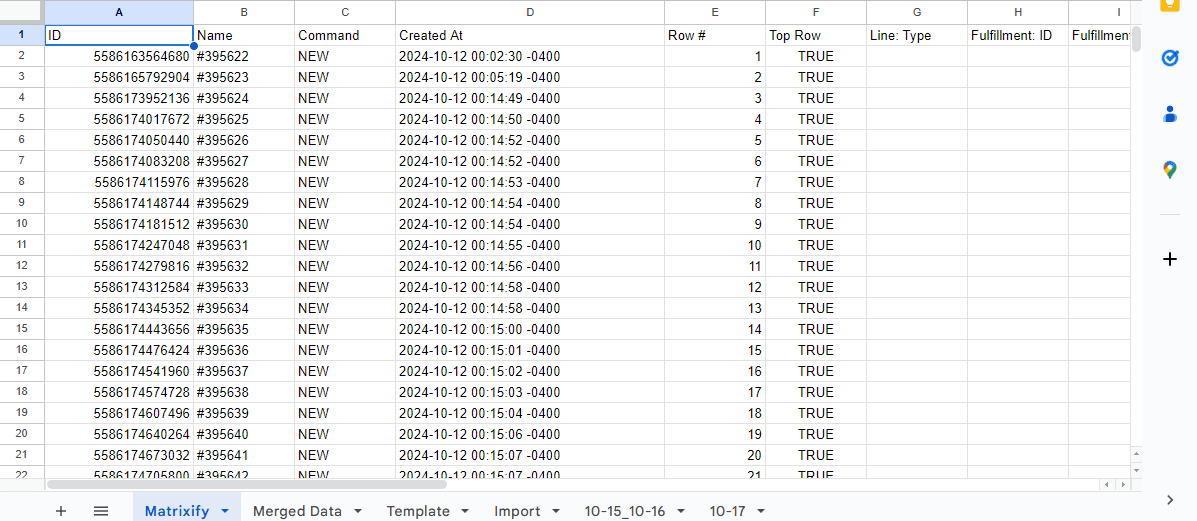
Import Ryder Closed Order Report
Create a new sheet, and import the Ryder Closed Order Report. Pull the Customer PO# and Tracking Number columns, and paste them into the bottom of the Merged Data tab. Due to variable fullfilment timelines, we must aggregate all tracking information.
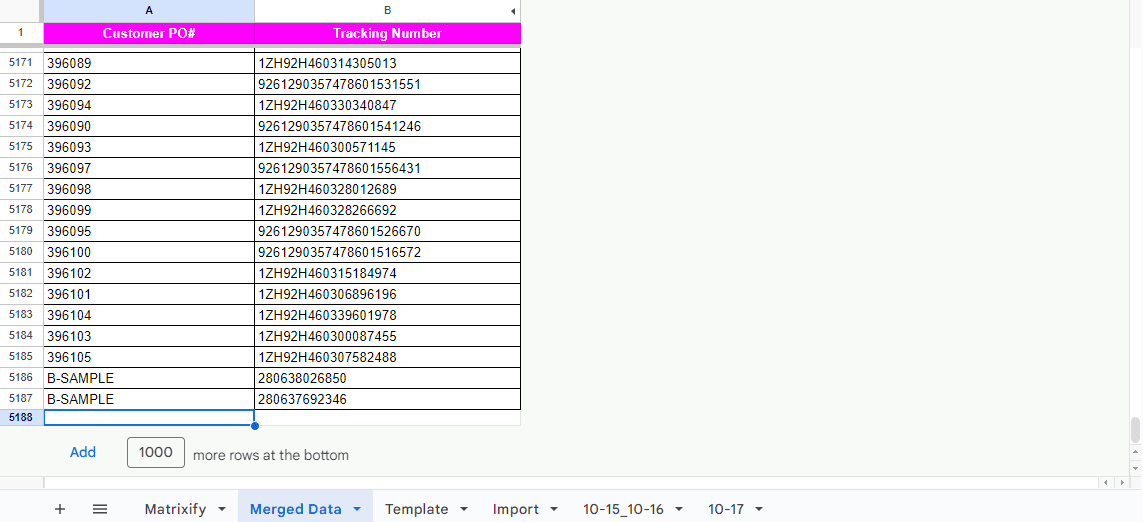
Prepare Import Template
Once the source data is updated, the Template tab in the sheet will automatically pull in new order and fulfillment information. Not all orders ship within the expected window, and there will be #N/A values in the Fulfillment: Tracking Number column.
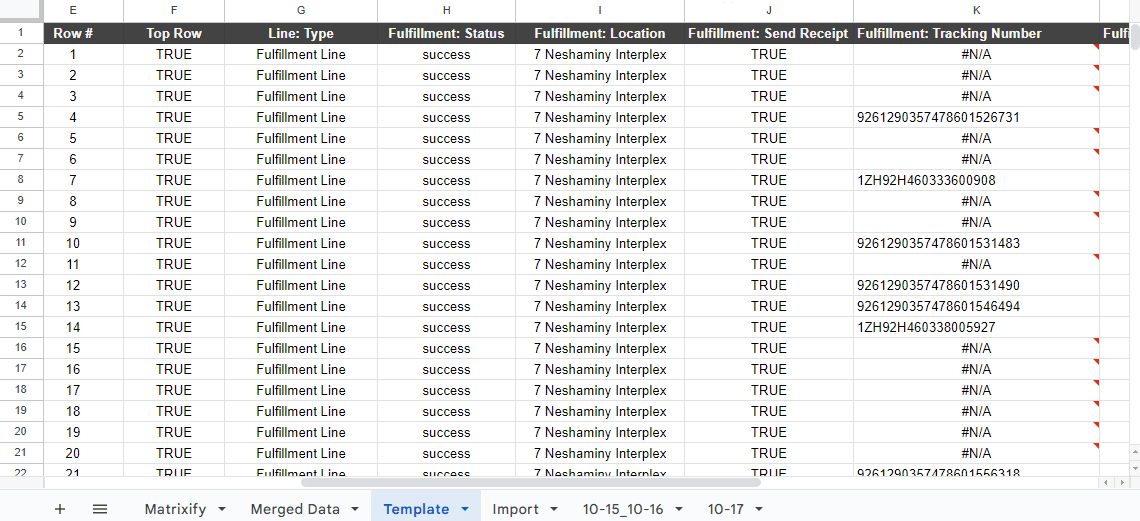
Copy all data from the Template tab into a new sheet and remove all lines with an #N/A value in the Fulfillment: Tracking Number column. Once prepared, export the sheet data as CSV.
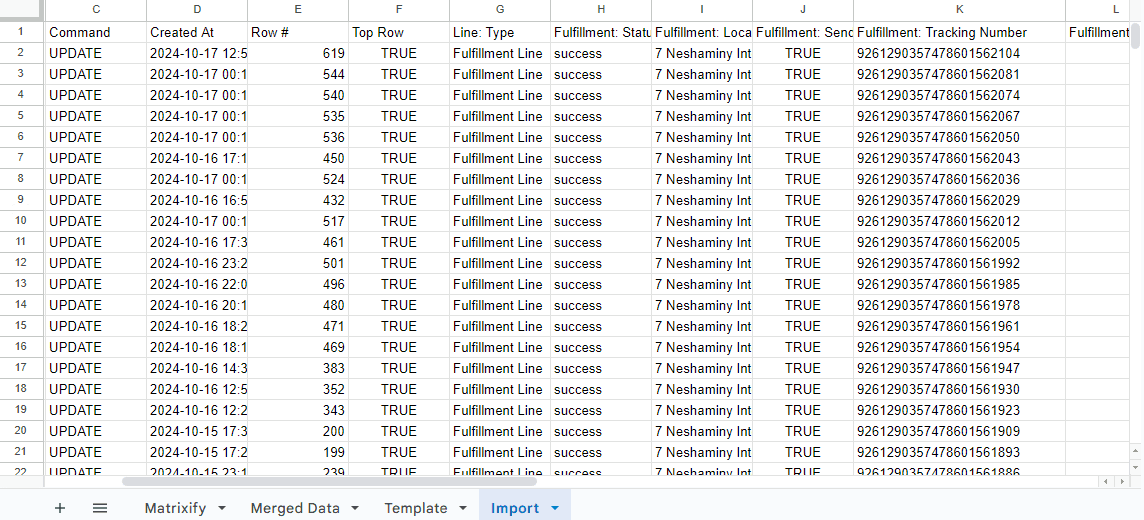
Matrixify Import
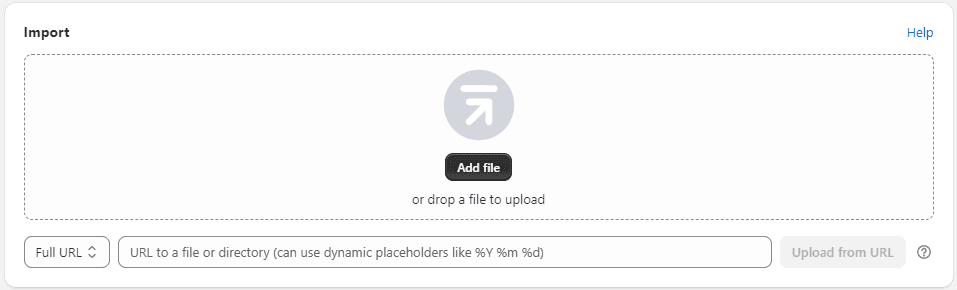
Navigate to the Matrixify App Page (opens in a new tab) and select Add file under Import.
Import Prepared Data
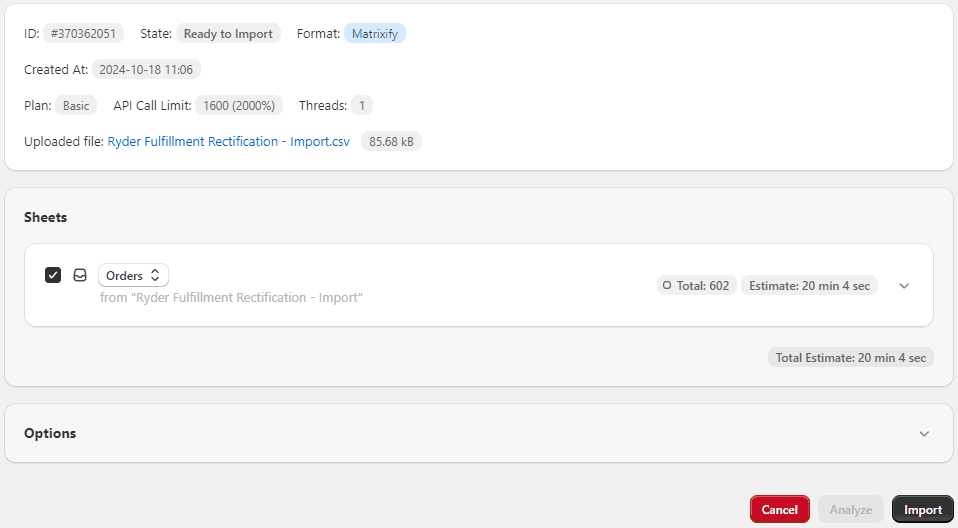
Once imported, Matrixify will analyze the data and produce the page below. In some cases, the import type listed under Sheets will need to be set to Orders. Once set, click the Import button at the bottom right. Fulfillments will be automatically applied to the orders and customers will receive shipment notification emails.
This tab must remain open while the import processes. It typically takes less than 10 minutes.