logo
GitHubGitHub (opens in a new tab)logo (opens in a new tab)
  • Introduction
  • Getting Started
    • Credentials
  • Fulfillment Rectification
    • Closed Orders Report
    • Import Process
  • Filter Sale Coupon Codes
    • Applying the Coupon Code
  • Shopify
    • Black Friday Sale End
    • Common Tasks
    • Product Tags
    • Salsify
  • Introduction
  • Getting Started
    • Credentials
  • Fulfillment Rectification
    • Closed Orders Report
    • Import Process
  • Filter Sale Coupon Codes
    • Applying the Coupon Code
  • Shopify
    • Black Friday Sale End
    • Common Tasks
    • Product Tags
    • Salsify

On This Page

  • Data Cache
Question? Give us feedback → (opens in a new tab)Edit this page
Filter Sale Coupon Codes
Applying the Coupon Code

Applying the Coupon Code

The coupon codes will be triggered by a tag on products in the Shopify dashboard. Navigate to the 3-pack and 4-pack products, and add the tag SUBSCRIBE.

5-Stage Replacement Filters - 3 pack (opens in a new tab)

5-Stage Replacement Filters - 4 pack (opens in a new tab)

shopify tagging

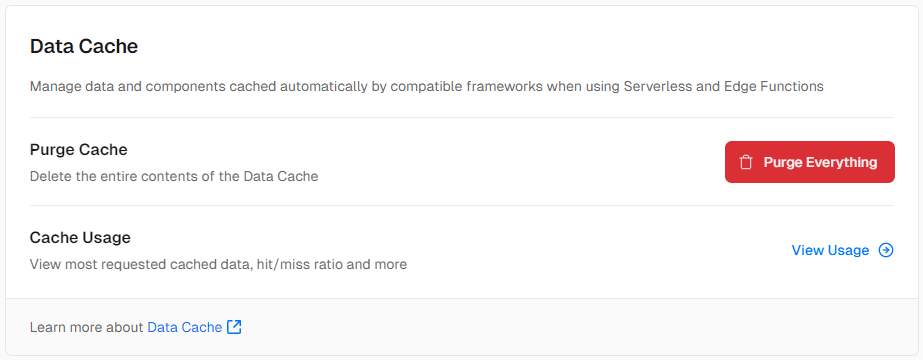
Data Cache

Once added, purge the Vercel cache (opens in a new tab) to pull the changes to the website.
vercel

Import ProcessBlack Friday Sale End

ZeroWEB Documentation